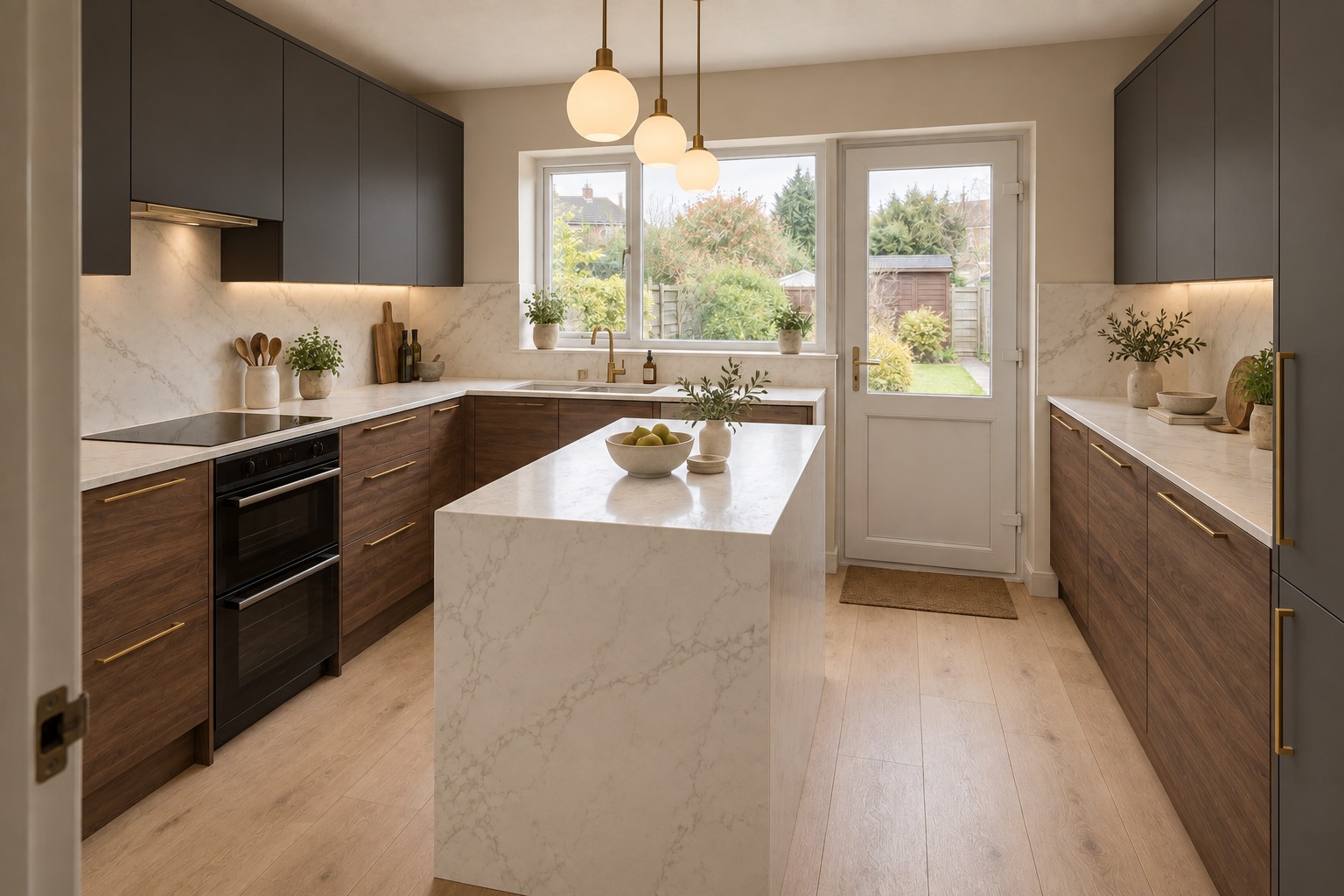
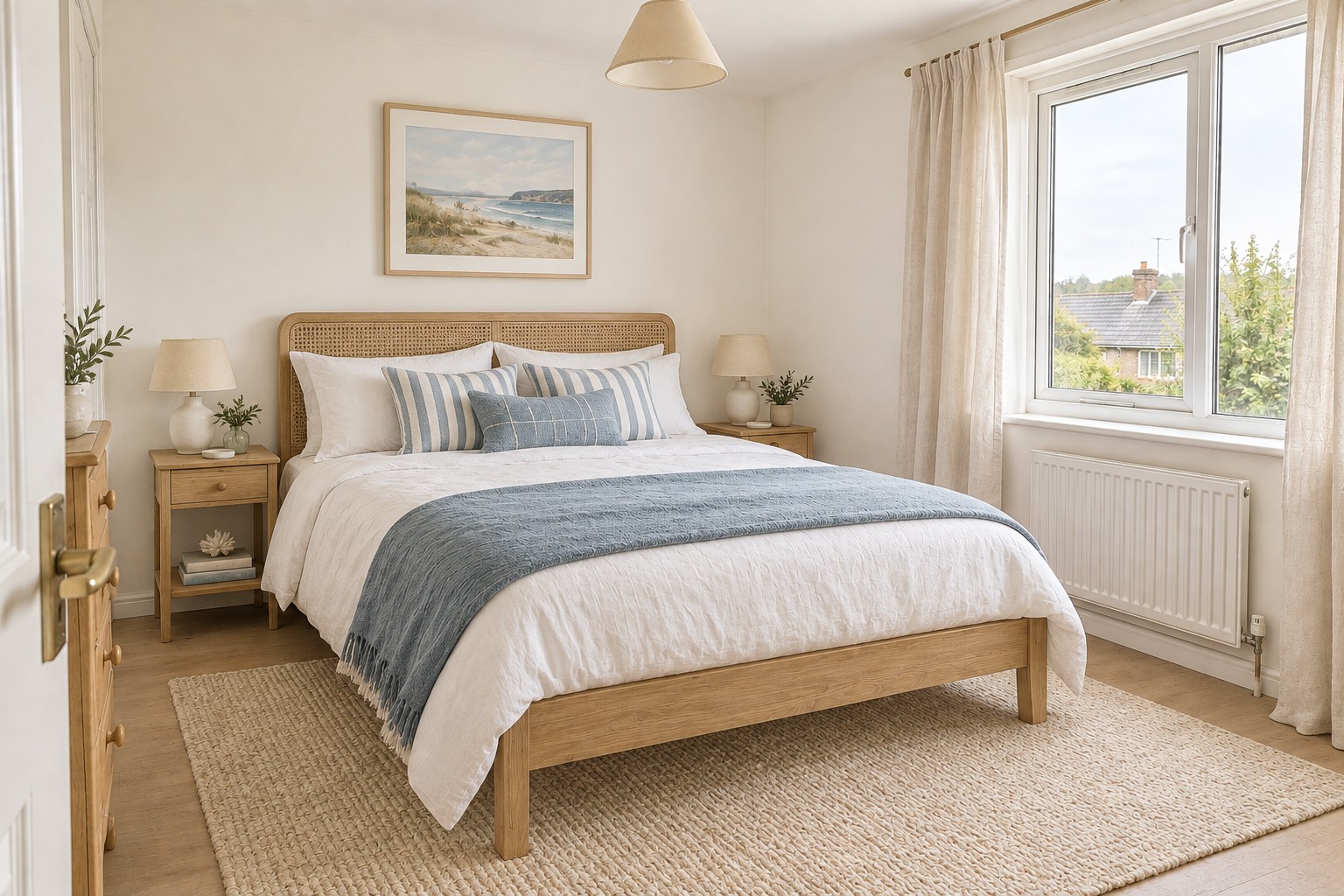
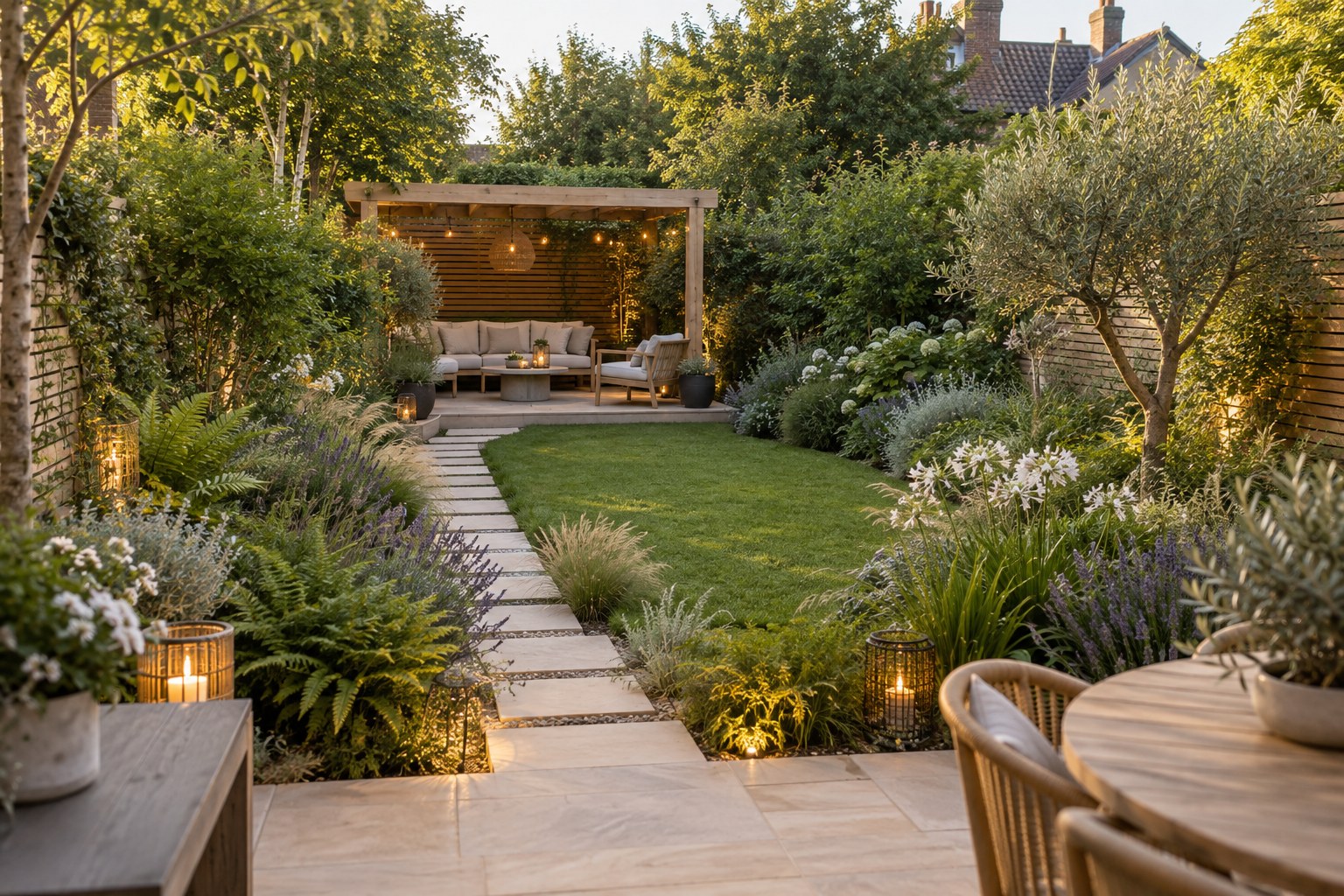
“We could never agree on what to do with our living room. Seeing it in different styles made the decision so much easier. We finally have a plan we both love.”
4.8/5Loved by 200,000+ users
Your home.
Reimagined.
Redesign your room, home or garden.
AI does the designing for you.
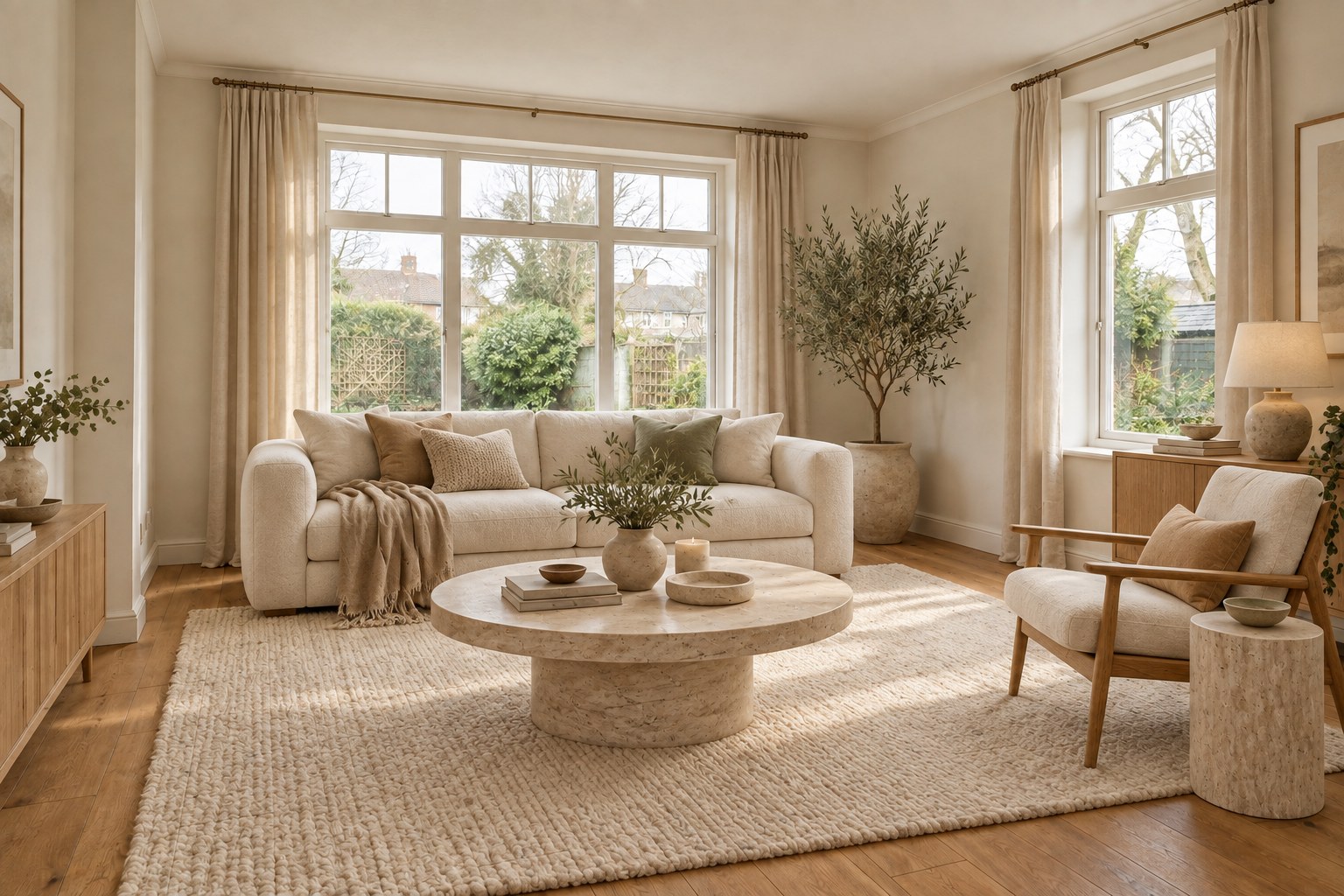

Living room · Japandi Drag to compare
One photo. A whole new look.
Your next redesign
starts here.
See what your space could look like before you change a thing.
01
Upload a photo
Choose a photo or take one of your room, home or garden.
02
Unlock your redesign
Choose your plan. AI takes care of the rest.
03
See your new look
Compare before and after. Download your design or try another look.
Made for your space
See your room
in a new way.
Try a new look for your living room, bedroom, kitchen or garden. Upload a photo and HomeSnap creates a design based on your space.
- Upload a photo or take one on your phone
- Let AI choose a look that fits your space
- Compare your original photo and new design
Your new design
Your photoSpace detectedLiving room
New styleWarm & natural
Your room, redesigned with new colours, furniture and lighting.
Redesign my space My designsSaved in one place
Your favourite
new looks.
Living room and Kitchen, 1 of 4
Saved to your account Ready to download
Keep your favourite designs
All your ideas.
In one place.
Try more than one look. Your designs are saved to your account, ready to view, download or share whenever you need them.
- Your photos and designs, saved to your account
- Compare the original with your new look
- Download your favourites to keep and share
Try a fresh look
New ideas for
every space.
A modern kitchen. A cosy living room. A garden made for relaxing. Get design ideas for the spaces you use every day.
- Redesign rooms, gardens and exteriors
- Discover new colours, furniture and layouts
- Try another design whenever you like
Skip the endless searching
Design ideas
for your own home.
Go from a photo to a new look you can actually see.
What you get HomeSnapDoing it yourself
Designs of your actual spacePhotos of other homes
Explore different stylesMore scrolling and searching
Rooms, exteriors & gardensVisit separate design tools
Before & after comparisonGuess how it will look
Your ideas saved togetherScreenshots across your phone
Home redesigns, made simple
See what people are saying.
“I uploaded a photo of our very tired bedroom and suddenly saw what it could be. The warm colours and furniture ideas were exactly the inspiration I needed.”
“I had a hundred saved inspiration photos but couldn't picture any of them in my own home. This makes it feel real. I've been trying a different style in every room.”
“Our garden was just a patch of grass and a few pots. The redesign gave us a lovely little seating area and so many planting ideas. Such a good starting point.”
Frequently asked questions
Your questions, answered.
Everything you need to get started.
How does HomeSnap work?
Take or upload a photo, choose your plan and let AI redesign your space. Compare before and after, download your design or try another look.
Can I redesign my garden or the outside of my home?
Yes. HomeSnap works with rooms, gardens, patios and house exteriors. Just upload a clear photo of the space you want to redesign.
Do I need to download an app?
No. It works in your browser on your phone, tablet or computer. Choose a photo or take one on your phone.
How much does HomeSnap cost?
Designer is $0.57 per day, billed $3.99 weekly. Pro Designer starts with a 3-day free trial, then costs $29.99 per year. Both give you access to AI redesigns. Prices are in US dollars.
Can I cancel my plan?
Yes. Open Account and choose Manage membership. Cancel before your trial ends to avoid the yearly charge, or before your next renewal to stop future payments.
Do I need to choose a style?
No. AI chooses a new look based on your photo. You can create another design of the same space to explore more ideas.
Where are my designs saved?
Your photos and designs are saved to your account. Open My designs to view, download or delete them on any device.
Ready for
a fresh look?
Upload a photo and see what your space could become.
Redesign My Space Works on your phone or computer. No app needed.